

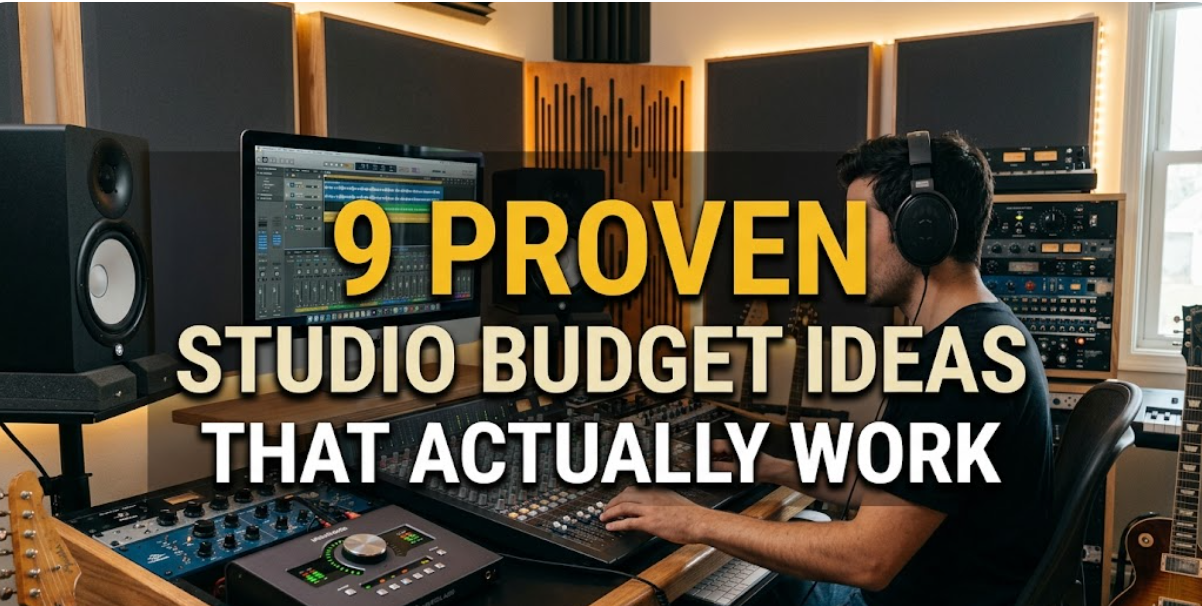
If you’ve ever tried to set up or improve a studio—whether it’s for music, art, photography, or content creation—you already know how quickly costs spiral. One moment you’re pricing a simple desk, and the next you’re deep into researching lighting rigs, acoustic panels, and software subscriptions. The truth is, most beginners and even experienced creators overspend not because they need to, but because they don’t approach budgeting with a clear strategy.
This article isn’t about cutting corners. It’s about spending smart, prioritizing what truly matters, and building a studio that grows with you instead of draining you. Below are nine proven studio budget ideas that actually work in real-world situations, not just in theory.
- start with a “function-first” budget, not a shopping list
The most common mistake is building a studio based on what looks impressive rather than what is actually needed. Instead of listing items like “camera,” “lights,” or “desk,” define what your studio must do.
For example:
- Record clear audio
- Capture stable video
- Provide consistent lighting
- Allow comfortable long sessions
Once functions are clear, you assign budgets to outcomes—not objects.
sample function-based budget table:
| Function | Priority | Budget Allocation (%) | Notes |
|---|---|---|---|
| Audio Quality | High | 30% | Microphone + basic treatment |
| Lighting | High | 25% | Soft, even lighting |
| Workspace Comfort | Medium | 15% | Chair, desk |
| Camera/Visuals | Medium | 20% | Can start basic |
| Accessories | Low | 10% | Cables, mounts, extras |
This approach prevents overspending on flashy gear while neglecting essentials like audio clarity.
- adopt the “upgrade ladder” approach
Instead of buying mid-range equipment across the board, choose one area to invest in heavily and keep others minimal. Then gradually upgrade.
Think of your studio like levels:
stage 1 (starter):
- Entry-level mic
- Natural light or single lamp
- Basic desk
stage 2 (intermediate):
- Better mic or interface
- Two-point lighting
- Improved seating
stage 3 (advanced):
- Acoustic treatment
- Professional lighting setup
- High-end gear
budget ladder example:
| Stage | Total Budget | Focus Area Upgrade |
|---|---|---|
| Starter | $200 | Basic functionality |
| Intermediate | $600 | Audio + lighting |
| Advanced | $1500+ | Full environment upgrade |
This spreads costs over time and ensures each purchase delivers noticeable improvement.
- buy used gear strategically (not blindly)
Used equipment can save 30–70%, but only if you’re selective. Avoid buying heavily used items that degrade quickly, like cheap chairs or worn-out cables.
best categories to buy used:
- Microphones (if well maintained)
- Camera lenses
- Sturdy furniture (desks, shelves)
- Metal stands and mounts
avoid buying used:
- Batteries
- Cheap electronics
- Items with moving parts (fans, motors)
price comparison chart:
| Item Type | New Price | Used Price | Savings (%) |
|---|---|---|---|
| Studio Mic | $150 | $90 | 40% |
| LED Light Kit | $200 | $130 | 35% |
| Desk | $120 | $60 | 50% |
| Headphones | $100 | $70 | 30% |
The key is patience. Wait for good deals rather than rushing into mediocre ones.
- prioritize audio over visuals (it pays off more)
In most studio setups, especially for content creation, people tolerate average visuals but not bad audio. Investing early in sound quality gives the biggest return.
budget comparison insight:
| Upgrade Type | Cost Impact | Audience Perception Impact |
|---|---|---|
| Better Camera | High | Medium |
| Better Audio | Medium | High |
| Lighting Fix | Low | High |
A decent microphone in a quiet space will outperform an expensive camera paired with poor sound.
- use “multi-purpose” gear to reduce redundancy
One of the smartest budgeting moves is choosing equipment that serves multiple roles.
examples:
- A desk lamp that doubles as a key light
- Shelves that act as both storage and background design
- A smartphone used as both camera and monitor
multi-purpose savings table:
| Item | Single Use Cost | Multi-Use Alternative | Savings |
|---|---|---|---|
| Ring Light | $80 | Desk Lamp ($40) | $40 |
| Camera Monitor | $150 | Old Phone ($0) | $150 |
| Backdrop Stand | $70 | Curtain Rod ($20) | $50 |
Every multi-use item reduces clutter and total cost simultaneously.
- control recurring costs before they grow
Subscriptions quietly eat into your budget over time. Editing tools, cloud storage, plugins—these add up fast.
monthly vs yearly cost breakdown:
| Service Type | Monthly Cost | Yearly Cost | Notes |
|---|---|---|---|
| Editing Software | $15 | $180 | Look for lifetime deals |
| Cloud Storage | $10 | $120 | Use free tiers wisely |
| Music Licensing | $12 | $144 | Consider alternatives |
budget strategy:
- Start with free tools
- Upgrade only when limitations slow you down
- Cancel unused subscriptions quarterly
A $30/month stack becomes $360/year—often unnoticed until too late.
- build your studio layout before buying anything
People often buy furniture and gear first, then try to fit everything together. This leads to wasted purchases and awkward setups.
Instead:
- Sketch your layout (even on paper)
- Measure your space
- Identify cable flow and lighting angles
simple layout planning grid:
| Area | Purpose | Required Items | Space Needed |
|---|---|---|---|
| Desk Zone | Work/Editing | Desk, chair, monitor | 4×3 ft |
| Recording | Audio/Video | Mic, light, tripod | 3×3 ft |
| Storage | Equipment | Shelves, boxes | 2×2 ft |
This avoids buying items that don’t fit or aren’t needed.
- follow the “80/20 investment rule”
Not all gear contributes equally. Roughly 20% of your equipment will deliver 80% of your results.
identify your top-impact items:
- Microphone for podcasters
- Lighting for video creators
- Tablet for digital artists
example allocation:
| Category | Budget Share | Impact Level |
|---|---|---|
| Core Tool | 40% | Very High |
| Support Gear | 35% | Medium |
| Extras | 25% | Low |
Spend heavily where it matters most, and go minimal elsewhere.
- set a “delay rule” for every purchase
Impulse buying is the silent budget killer. A simple rule: wait 48 hours before buying any non-essential item.
decision filter checklist:
| Question | Yes/No |
|---|---|
| Does it solve a current problem? | |
| Will I use it weekly? | |
| Can I achieve the same result cheaper? | |
| Does it fit my current layout? |
If you answer “no” to two or more, skip the purchase.
This single habit can cut unnecessary spending by a huge margin.
real-world budget scenario example
Let’s say you have a $500 budget for a starter studio.
smart allocation:
| Category | Budget | Item Example |
|---|---|---|
| Audio | $150 | Mid-range microphone |
| Lighting | $120 | Two soft lights |
| Desk + Chair | $130 | Used furniture |
| Accessories | $50 | Cables, mounts |
| Savings Buffer | $50 | Future upgrades |
This setup prioritizes essentials while leaving room for growth.
common budget mistakes to avoid
- buying everything at once
- choosing aesthetics over functionality
- ignoring long-term costs
- underestimating space constraints
- skipping planning entirely
Each of these can double your total spending without improving results.
final thoughts
A well-budgeted studio isn’t about spending less—it’s about spending wisely. When you focus on function, prioritize high-impact upgrades, and control recurring costs, you end up with a setup that feels professional without being expensive.
The difference between a frustrating studio and a productive one isn’t how much you spend. It’s how intentionally you spend it.
faqs
- how much should a beginner spend on a studio setup?
A beginner can start with as little as $150–$300 by focusing on core essentials like audio and basic lighting. The key is prioritization, not total budget. - is it better to buy cheap gear or save for expensive equipment?
It depends on the item. For high-impact tools like microphones, it’s often better to save. For accessories, budget options usually work fine. - how can i make my studio look good on a small budget?
Focus on lighting and background simplicity. Clean spaces, neutral colors, and good lighting often look more professional than expensive decor. - what is the most important investment in a studio?
In most cases, audio quality or lighting provides the biggest improvement in perceived quality, depending on your type of work. - how often should i upgrade my studio equipment?
Only upgrade when your current gear limits your work. Avoid upgrading just because something newer is available. - are free tools good enough for a studio setup?
Yes, especially at the beginning. Many free tools are powerful enough for professional-level work if used correctly.